The private sermon notebook
Keep what you heard.
Sunday's sermon is worth keeping. Margin records it, keeps your notes, finds the Scripture, and quietly organizes everything, privately, on your own devices.
- No account
- No Margin server
- Transcribed on your device
For iPhone, iPad and Apple Watch.

Record and take notes
Record the sermon and star what matters.
- Start a sermon and Margin records it, with a live transcript as the preacher speaks.
- Type notes as you listen, or write with Apple Pencil on iPad. Each note keeps the moment it was taken.
- Add a photo of the slide or the stage as a note.
- Star the moments that matter from the Lock Screen, Control Center, the Action Button, Siri or Apple Watch, without unlocking your iPhone.

Scripture, as it was preached
Every passage the preacher names, linked for you.
- Margin listens for passages as they're mentioned and links them for you. References come from what was said, never made up.
- Tap a reference to open it in the Bible App, in the translation you already read there.
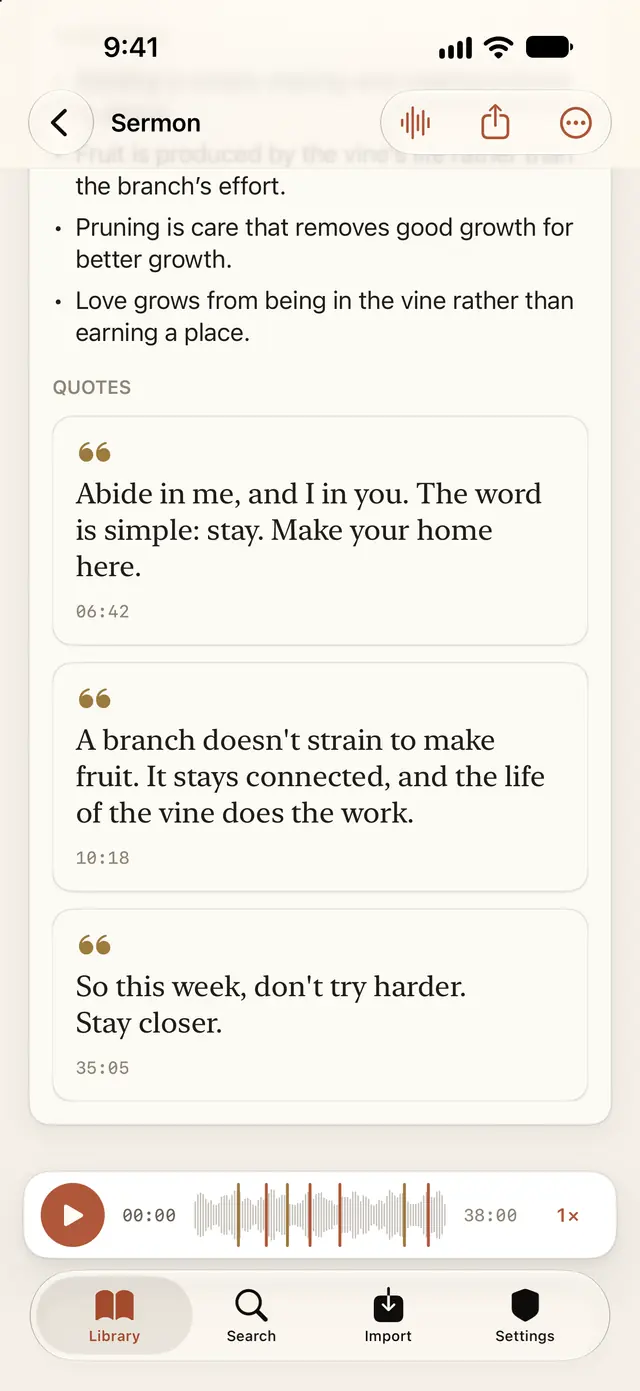
I am the vine, ye are the branches.
10:18The fruit of the Spirit is love, joy, peace.
Study Notes
Something to take into the week.
- After the sermon, Margin prepares Study Notes: a study outline, the key Scripture, reflection questions and takeaways.
- Study Notes are made on your device or with Apple's Private Cloud Compute.
Study Notes need an iPhone or iPad that supports Apple Intelligence. Everything else in Margin works without it.
Bring in a sermon you missed
Weren't there on Sunday? Paste a link.
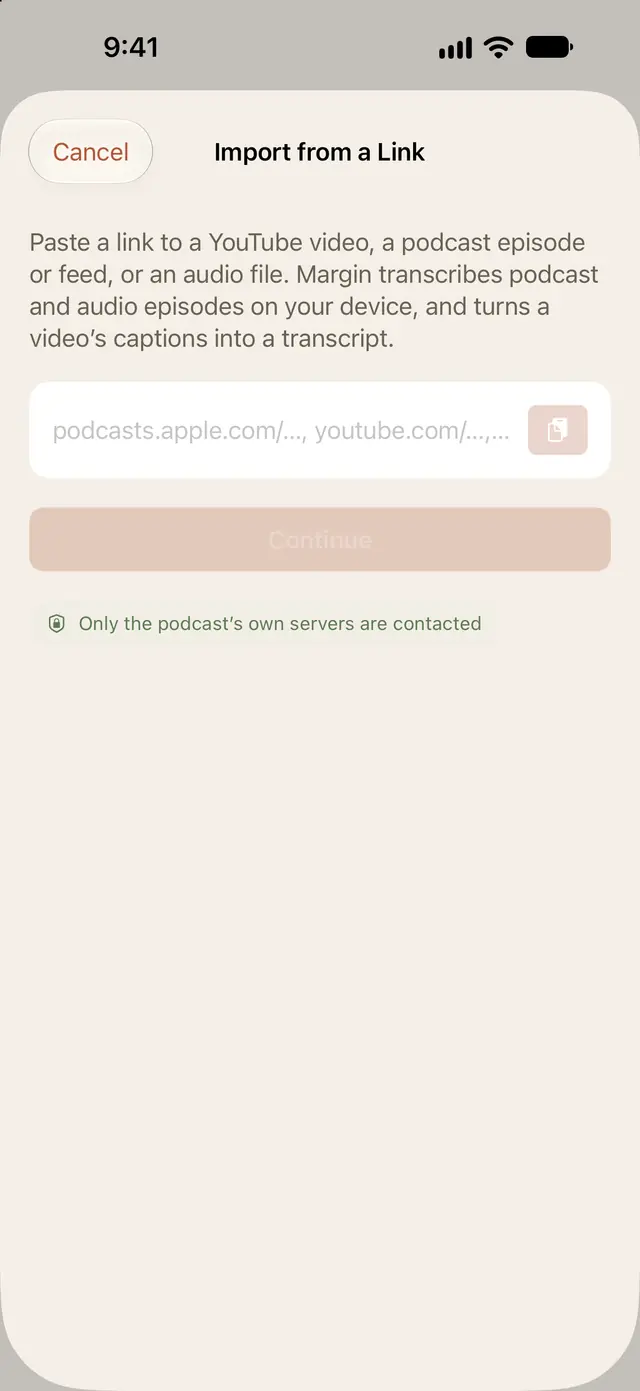
- Paste a YouTube link to turn the video's captions into a transcript you can read, search and take notes on, with the video beside it.
- Paste an Apple Podcasts episode, a podcast feed or an audio link, and Margin transcribes the episode on your device.
- Import audio and transcript files, or your own recordings from Pocket.
Come back to it
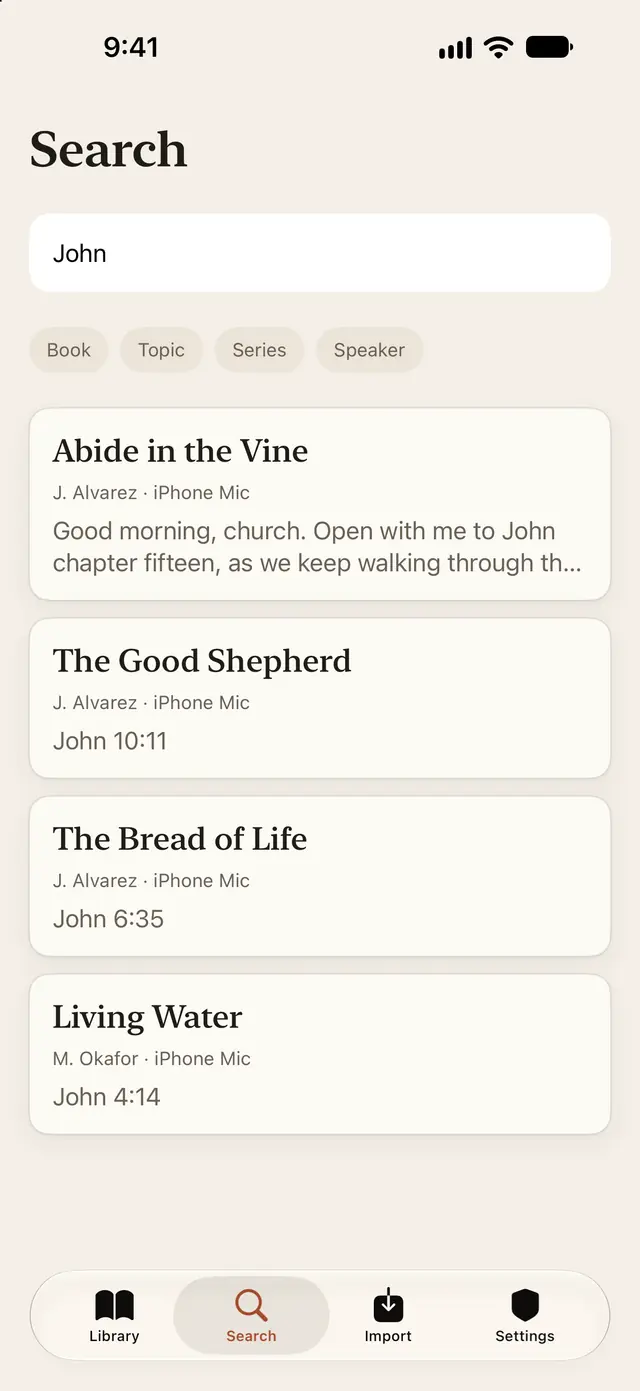
Find any sermon by passage, speaker or note.
- Tap any note, star or line of the transcript to hear that moment again.
- Search titles, speakers, notes, Scripture and transcripts.
- Ask Siri to find a sermon, or find it in Spotlight.
iPad
Your library and the sermon, side by side.
- On iPad, your sermons sit beside the one you're reading, and notes sit beside the transcript as it's preached.
- Write in the margin with Apple Pencil. Each handwritten note keeps its moment, like a typed one.
- Your library syncs through your own private iCloud between your iPhone and iPad.

Apple Watch
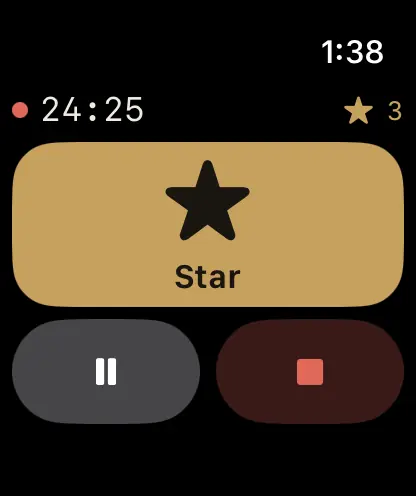
Star a moment from your wrist.
- Start, pause and star a sermon from your wrist. The recording goes to your iPhone to be transcribed.
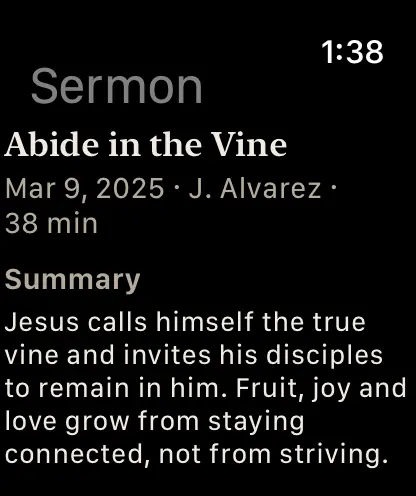
- See the Summary of recent sermons.
Private by design
Your sermons stay yours.
Recording and transcription happen on your device. Margin has no account and no server, so there's nothing of yours for Margin to keep.
- No accountNothing to sign up for and no sign-in screen.
- No trackingNo ads, analytics or tracking of Margin's own.
- Transcribed on your deviceMargin never uses a server for speech recognition.
- No Margin serverYour recordings, notes and transcripts aren't sent to Margin, because there's nowhere to send them.
- Private Study NotesMade on your device or with Apple's Private Cloud Compute, from the transcript text only.
- Your own iCloudSync uses your private iCloud database. Margin works fully with iCloud off.
Remember what God taught you.
Everything in Margin is included. If it helps you, you can leave an optional tip in Settings. Tips don't unlock anything.